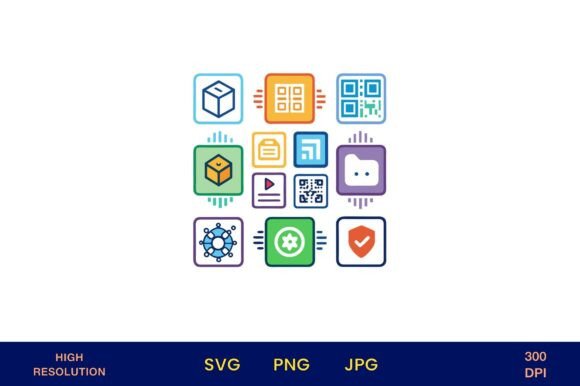
Digital Icons for Tech and Data Storage
Clear, scalable, and instantly recognizable—these digital icons are built for creators who need precision without compromise. Whether you're designing a cloud migration presentation, branding a SaaS startup, or illustrating a data literacy workshop, Digital Icons for Tech and Data Storage delivers visual clarity where it matters most: in communication.
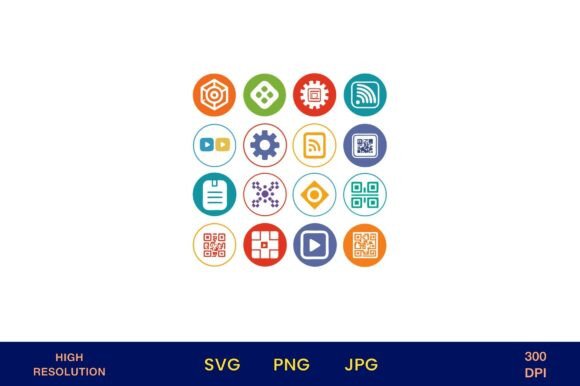
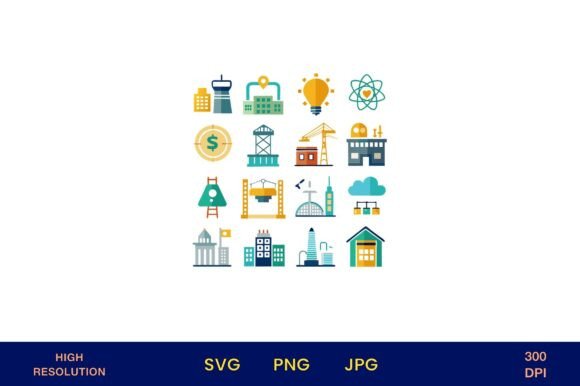
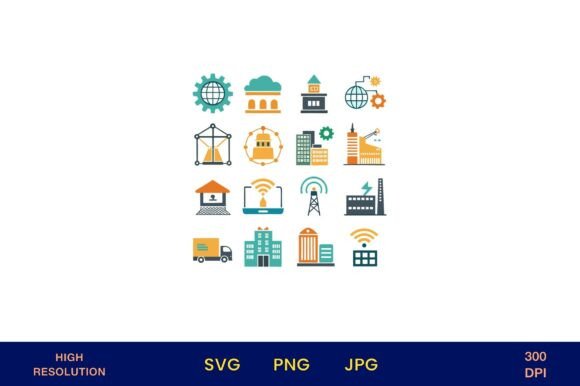
Each icon is a high-resolution vector illustration rendered as a 4500px × 4500px PNG with full transparency—optimized for both screen and print. At 300 dpi, they retain crisp detail whether scaled down for an Instagram story thumbnail or enlarged for a conference backdrop. No pixelation. No guesswork. Just ready-to-deploy assets grounded in real-world tech vocabulary: servers, hard drives, cloud nodes, encryption locks, database schemas, API gateways, backup loops, and secure upload arrows—all designed with consistent line weight, balanced negative space, and intuitive visual metaphors.
Creative Flexibility, Not Just Decoration
These aren’t decorative flourishes—they’re functional design elements that support meaning. A photographer building a client onboarding kit might pair the “secure cloud” icon with a checklist titled “Your Files, Protected & Organized.” A small business owner launching a new CRM tool could use the “data sync” icon beside a short explainer video thumbnail to signal seamless integration—no text needed.
Because backgrounds are fully transparent, the icons adapt effortlessly to your palette. Drop one onto a charcoal slide deck, overlay it on a pastel wedding planner cover, or layer it into a neon-lit tech podcast banner. Their clean geometry works equally well in minimalist branding and bold, playful contexts—just adjust stroke contrast or add subtle drop shadows for depth when needed.
Real-World Uses Across Audiences
Designers & Marketers: Speed up social media content creation. Use the “backup shield” icon in a LinkedIn carousel about disaster recovery planning—or the “server rack” icon in an email header announcing infrastructure upgrades. Pair icons with concise, action-oriented copy: “Store smarter,” “Scale securely,” “Sync in seconds.”
Educators & Trainers: Simplify complex topics. Print the “encryption key” and “firewall barrier” icons on flashcards for cybersecurity workshops. Embed them in interactive PDFs for online courses—students associate visuals with concepts faster than text alone. One community college instructor uses the “data flow” icon sequence (upload → process → analyze → visualize) to scaffold lesson progression across modules.
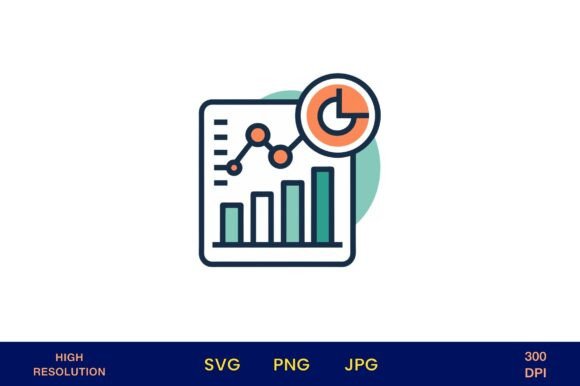
Entrepreneurs & Freelancers: Strengthen credibility through consistency. Use the same icon set across your website, proposal decks, and client-facing documents—even if you’re not a designer. That cohesion signals professionalism and attention to detail. A freelance data analyst added the “database” and “chart graph” icons to her service page headers; clients reported feeling more confident in her technical fluency before the first call.
Hobbyists & Small Business Owners: Personalize physical goods without licensing risk. Print the “cloud storage” icon on kraft paper gift tags for tech-themed baby showers. Apply the “USB drive” icon to vinyl stickers for laptop decals. A florist used the “digital bouquet” icon (a stylized flower with circuit-petal details) on branded packaging for her subscription service—blending analog charm with modern convenience.
Practical Tips for Best Results
- Keep scale intentional: At 4500px, these icons can be printed at 15" × 15" without loss—but for web use, export smaller versions (e.g., 800px wide for blog headers) to maintain fast load times.
- Group with purpose: Avoid cluttering layouts. Use no more than three icons per visual unit—ideally arranged in a logical sequence (e.g., “upload → store → share”) rather than as isolated symbols.
- Match tone to audience: A fintech startup might use monochrome versions with sharp edges for trust and precision; a creative studio could recolor icons in gradient overlays for energy and approachability.
- Test legibility early: Zoom out to 25% in your layout software. If icon meaning blurs or merges, simplify the surrounding design—not the icon itself.
More Than Icons—A Consistent Visual Language
What makes this set especially useful isn’t just individual quality—it’s how the icons relate. They share proportional spacing, corner radius logic, and stroke behavior. That means when you place the “network node” next to the “encrypted folder,” they feel like parts of the same system—not a mismatched collage. This consistency saves time during revisions and strengthens brand recognition over repeated use.
For publishers creating printable kits, that cohesion is essential. One educator developed a “Data Detective” activity pack for middle schoolers using these icons as visual anchors for each step: “Find the source” (magnifying glass + server), “Check the signal” (waveform + shield), “Report findings” (clipboard + cloud). Students navigated tasks intuitively—because the icons functioned as a shared vocabulary, not decoration.
Photographers use them to organize client galleries (“Raw Files,” “Edited Deliverables,” “Cloud Backup”) without relying on text-heavy folders. Bloggers embed them into tutorials to break up dense paragraphs—like pairing the “API connection” icon with a code snippet explaining webhook setup. Even planners and stationery designers integrate them into editable Canva templates, knowing users will recognize their meaning instantly.
Your Next Step Is Simple
You don’t need advanced software or design training to benefit from Digital Icons for Tech and Data Storage. Open the file. Drag it into your project. Adjust size or color if needed. Keep going.
They work because they’re rooted in utility—not trend. No forced gradients. No dated skeuomorphism. Just clear, versatile, technically accurate icons built for people who build, teach, sell, explain, and create—often across multiple platforms and audiences in a single day.
If you’ve ever spent 20 minutes searching for “clean cloud icon no background” only to find inconsistent styles or low-res downloads—you’ll appreciate what’s here: one cohesive set, production-ready, and quietly powerful in its simplicity.